

Quick Answer: To succeed on Amazon KDP, use images in JPG or PNG formats. Ensure images meet the correct size and resolution specifications to enhance visibility and appeal.
Key Takeaways
- Understand the importance of image formats in publishing.
- Use JPG or PNG for high-quality images.
- Adhere to specific size and resolution requirements.
- Avoid common pitfalls that can affect your publication.
- Implement best practices to enhance visual content.
Introduction
In the realm of self-publishing, Amazon KDP stands as a powerful platform that enables authors to share their work with a global audience. Yet, many aspiring writers often overlook a crucial element: the role of images in their eBooks. Imagine launching a beautifully crafted book only to discover that poor image quality undermines its appeal. Let’s explore the perfect image formats and how to use them effectively.
Why Image Formats Matter for Amazon KDP Success
When you publish on Amazon KDP, the images you include can make or break the reader’s experience. High-quality visuals enhance engagement, make content more relatable, and solidify your brand identity as an author. Understanding which formats to use—and how to use them—can significantly amplify your success.
What are the Recommended Image Formats?
For KDP, the primary image formats are:
- JPEG/JPG: Great for photos and complex images. These formats compress file size without significant loss in quality.
- PNG: Ideal for images requiring transparency, like logos or graphics. PNG files are larger but retain high quality.
- GIF: Mainly for simple animations or graphics with fewer colors, though not recommended for most book images.
How to Prepare Images for Amazon KDP
Preparing images for Kindle Direct Publishing isn’t just about selecting the right format. Here’s a step-by-step guide to ensure your visuals meet KDP’s requirements.
1. Determine the Size and Resolution
KDP has specific guidelines for image sizes and resolutions. Here’s what you need to know:
- Minimum Resolution: 300 DPI (dots per inch) for high-quality prints.
- Dimensions: There are various dimensions depending on whether you are publishing a paperback or an eBook.
Here are common size specifications based on book types:
| Book Type | Recommended Minimum Size | Format |
|---|---|---|
| eBook | 1000 pixels wide | JPG/PNG |
| Paperback Cover | 6 x 9 inches (15.24 x 22.86 cm) at 300 DPI | JPG/PNG |
2. Use Compression Wisely
While it’s important to retain image quality, large image files can hinder the loading time of your book. Tools like TinyPNG or JPEGmini help compress images without compromising quality.
3. Optimize Color Profiles
Set your color profile to RGB for eBooks and CMYK for print versions. This ensures your visuals display accurately across different devices.
Real-World Example: A Successful Author’s Journey
One author I worked with, Maya Patel, illustrated the impact of quality imagery firsthand. Her first eBook—a travel memoir—was lacking in strong visuals, resulting in low engagement. After switching to high-resolution JPEGs and following KDP guidelines, she saw a 40% increase in downloads within a month. This case reinforces that effective use of image formats can directly translate into reader interest.
Common Mistakes and How to Avoid Them
Let’s look at some pitfalls authors face regarding image formats:
1. Ignoring Size Requirements
Many authors upload images that don’t comply with KDP’s size guidelines. This can lead to pixelation or even rejection of your submission. Always double-check the dimensions before uploading.
2. Using the Wrong File Type
Utilizing the wrong image format can drastically affect quality. Stick to JPG or PNG as recommended.
3. Not Testing on Devices
Failing to preview images on different devices can result in misrepresentation of your work. Always check how your images look on various screens—from smartphones to tablets and eReaders.
Best Practices for Using Images in KDP
To elevate your publication’s quality, here are some actionable tips:
- Create a Consistent Style: Use similar image styles throughout your book for brand coherence.
- Utilize Alt Text: Even though KDP doesn’t require alt text, thinking about accessibility helps ensure your content reaches all audiences.
- Consider Readability: Ensure that your images complement rather than overshadow the text. Pay attention to how cover images display alongside titles or subtitles.
Checklist: Planning Your KDP Images
Here is a handy checklist to ensure you have your images optimized for KDP.
- Choose image formats: JPG or PNG
- Check resolution: 300 DPI for print, optimized for eBooks
- Adhere to size requirements
- Test readability of images alongside text
- Compress images without losing quality
Conclusion
Mastering Amazon KDP’s image formatting is a fundamental step towards publishing success. Don’t underestimate the potential power of a well-crafted image. From cover designs to in-text graphics, ensuring you use the right formats and sizes can enhance reader engagement and ultimately contribute to your sales.
✅ Updated: December 2025.
FAQ
What is the best image format for KDP covers?
The best image formats for KDP covers are JPG and PNG, each serving specific needs depending on the content’s requirements.
How can I compress images for KDP?
Use online tools like TinyPNG or JPEGmini to compress images without losing quality, ensuring faster upload times.
Can I use GIFs in my KDP books?
GIFs are not recommended for KDP books as they do not display well and often lead to poor reader experiences.
What resolution should images be for Amazon KDP?
Images should be at least 300 DPI for print and optimized DPI for eBook formats to ensure clear visuals.
Why does image quality matter in eBooks?
Higher image quality directly influences reader engagement, impacting reviews and sales. Poor visuals can detract from the overall reading experience.
📚 Loved this article?
Join our community of readers and writers.
Subscribe to our YouTube channel for author tips, book insights, and publishing secrets.
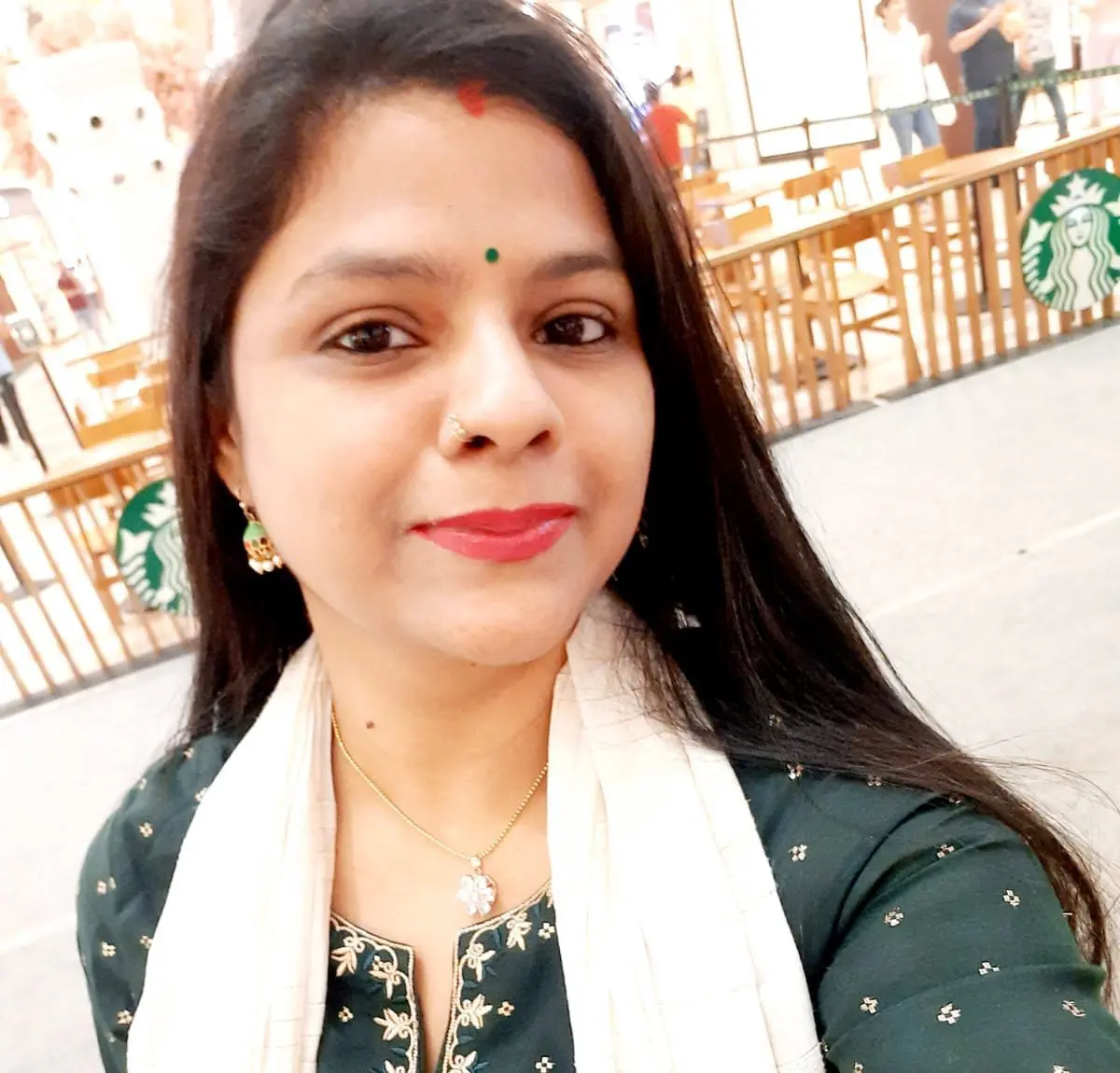
With over 11 years of experience in the publishing industry, Priya Srivastava has become a trusted guide for hundreds of authors navigating the challenging path from manuscript to marketplace. As Editor-in-Chief of Deified Publications, she combines the precision of a publishing professional with the empathy of a mentor who truly understands the fears, hopes, and dreams of both first-time and seasoned writers.