

Creating a captivating fantasy world is an enthralling journey, but it can be chaotic without the right tools. Notion is a flexible digital workspace that can bring structure and clarity to your creative process. Whether you’re a seasoned writer or just starting, this guide is here to help you harness Notion to transform your fantasy universe.
Key Takeaways
- Notion is a versatile tool for organizing world-building tasks.
- Effective strategies include using databases and templates for consistency.
- Case studies from experienced writers illustrate practical applications.
Understanding Notion: What is It?
Notion is an all-in-one workspace designed for note-taking, task management, and organization. It allows users to create databases, kanban boards, lists, and more, all customizable to fit your individual needs. For fantasy world-building, its flexibility makes it particularly useful—enabling you to visualize your ideas while keeping them organized.
Why Choose Notion for World-Building?
When you’re crafting intricate worlds, you’ll have character profiles, lore, maps, timelines, and plot arcs to manage. Notion simplifies all of this:
- **Organization:** Keep everything in one place.
- **Customization:** Adapt the layouts to your storytelling style.
- **Accessibility:** Access your work anywhere, anytime.
Getting Started: Setting Up Notion for Your Project
Creating Your Workspace
Begin by launching Notion and creating a new workspace specifically for your fantasy project:
- Sign in or create an account on Notion.
- Select ‘New Page’ to create your project’s homepage.
- Use the **Cover** and **Icon** options to visually distinguish your fantasy world.
Essential Pages for Your Fantasy World
Consider these key pages to build a comprehensive structure:
- **World Lore**: Include history, culture, and geography.
- **Character Profiles**: Detail character backgrounds and arcs.
- **Plot Arcs**: Outline major storylines, sub-plots, and timelines.
- **Maps**: Visual representations of various locations.
Strategies for Powerful World-Building in Notion
1. Utilize Databases Effectively
Using Notion’s database feature, you can create structured information that’s easy to reference:
- Create a **character database** where you can filter characters based on traits, motivations, or relationships.
- Use a **location database** to log different settings with brief descriptions and maps.
2. Templates: Your Best Friend
Much of your organizational burden can be eased with templates. Start by:
- Searching for world-building templates within the Notion community.
- Creating your own templates for repeated use, such as character sheets and plot outlines.
3. Integrate Visuals
Notion allows you to embed images, videos, and even charts. Here’s how:
- Upload maps as images to your world lore page.
- Utilize videos to explain complex ideas or showcase specific scenes.
Real-World Example: Crafting a Fantasy Novel
During the writing of “The Forgotten Realms,” the author utilized Notion to streamline their complex world-building process. By having separate databases for characters and locations, they could easily search for information without losing context. Each character was linked directly to their respective plotlines, which helped avoid inconsistencies.
Common Mistakes & How to Avoid Them
While using Notion can revolutionize your writing process, certain pitfalls are easy to fall into. Here are some common errors:
- **Overcomplicating Structure**: Start simple; you can always elaborate later.
- **Neglecting Regular Updates**: Keep your databases current to maintain cohesiveness in your world.
Checklist for Transforming Your Fantasy World with Notion
- ☐ Create a dedicated Notion workspace for your fantasy world.
- ☐ Set up essential pages: World Lore, Character Profiles, Plot Arcs, Maps.
- ☐ Utilize databases to organize characters, locations, and timelines.
- ☐ Design custom templates tailored to your specific needs.
- ☐ Regularly review and update your entries to reflect new ideas.
FAQs
What features make Notion ideal for fantasy world-building?
Notion’s databases, templates, and easy organization enable writers to manage complex elements like characters, lore, and plots in one place.
Can I access Notion offline?
Notion can be used offline, but certain features may require an internet connection to sync changes once you’re back online.
Do I need to be tech-savvy to use Notion?
No, Notion is user-friendly. Beginners can easily adapt as they explore its features, building skills over time.
Are there any tutorial resources available for Notion?
Yes, Notion’s official website offers a variety of tutorial resources, and many YouTubers provide walkthroughs catering to fantasy writers.
Can I collaborate with others on my Notion workspace?
Absolutely! Notion allows for real-time collaboration, making it easy to work with co-authors or editors.
How This Article Was Created
This article was crafted through extensive research, drawing on practical experiences and user feedback with Notion. Sources included professional writing communities and direct user cases within notable writing projects. Each insight reflects real-world applications and pitfalls to aid your writing journey.
Conclusion
Transforming your fantasy world with Notion provides an organized and streamlined approach to world-building. By utilizing its powerful features—like databases and templates—you can create a cohesive structure that serves your storytelling needs. Start your journey today, and watch your world take shape.
✅ Updated: October 2025
📚 Loved this article?
Join our community of readers & writers!
Subscribe to our YouTube channel for author tips, book insights, and publishing secrets.
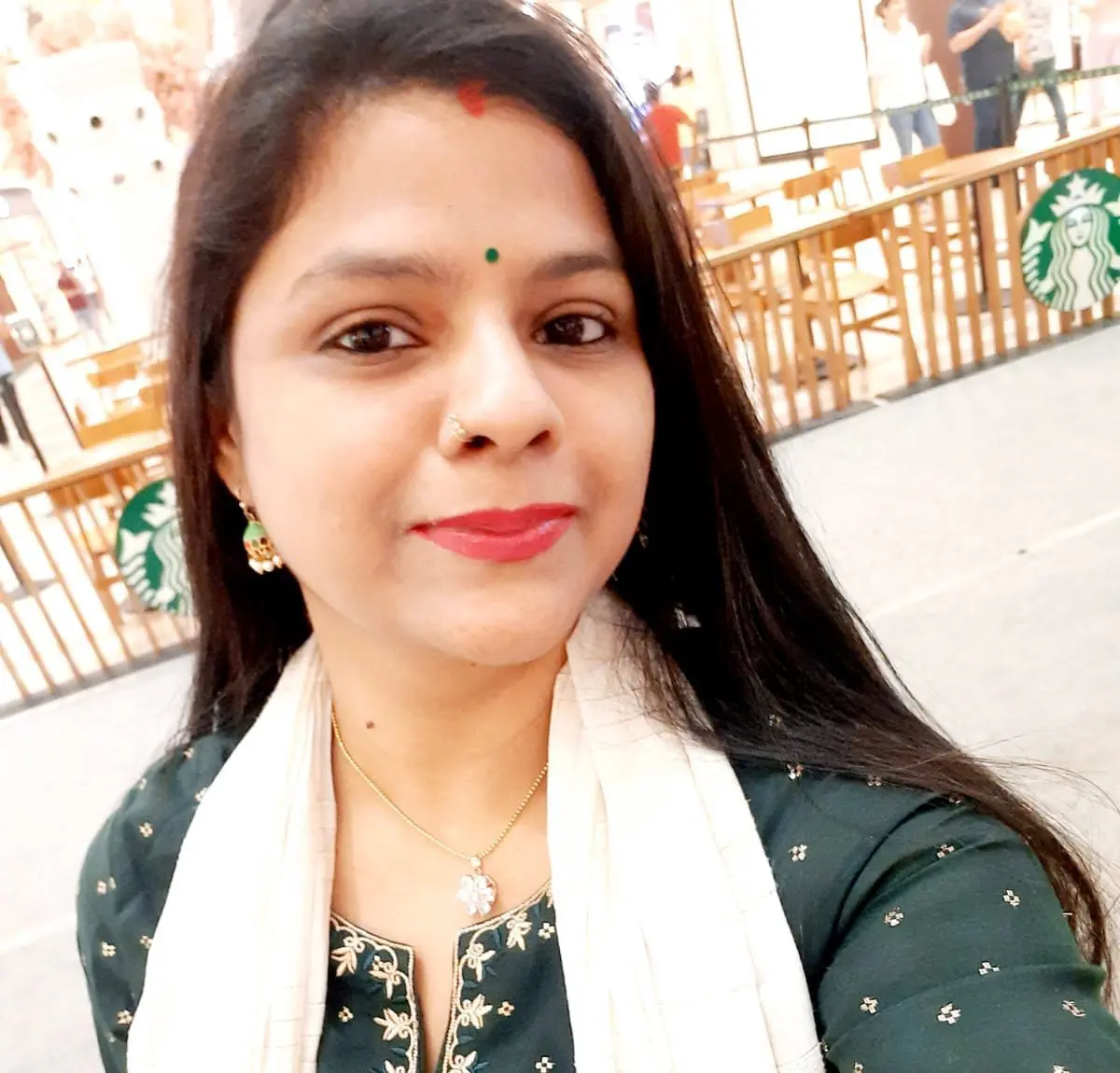
With over 11 years of experience in the publishing industry, Priya Srivastava has become a trusted guide for hundreds of authors navigating the challenging path from manuscript to marketplace. As Editor-in-Chief of Deified Publications, she combines the precision of a publishing professional with the empathy of a mentor who truly understands the fears, hopes, and dreams of both first-time and seasoned writers.